
1
Just start
You land directly in English mode and can get started with the appropriate layout without any detours.
Learn touch typing step by step, train online for free, and improve speed with exercises, typing games, and speed tests. Start directly in the 10FingerSystem.com app.
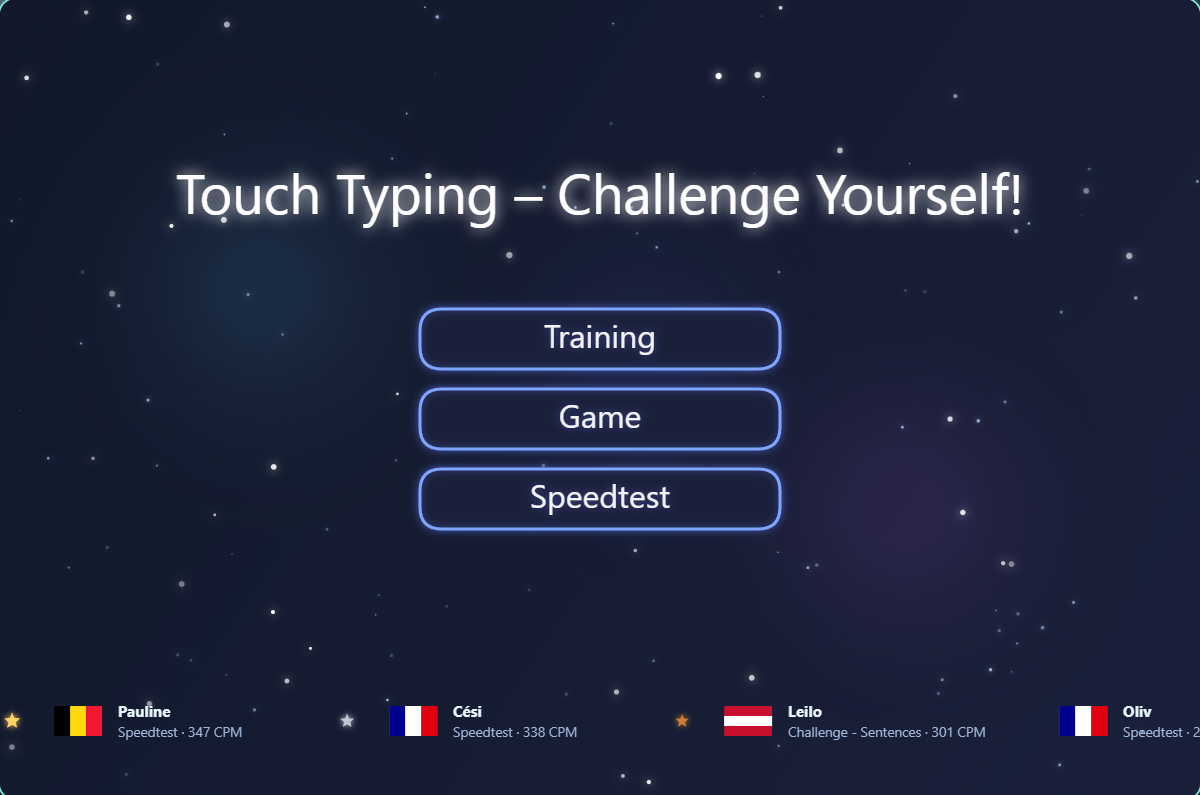
With 10FingerSystem.com you can learn touch typing online for free, practice specifically and improve your writing step by step. You start with simple exercises, later switch to words, sentences and texts and complement your training with typing games, speed tests, ranking lists and challenges.
You land directly in English mode and can get started with the appropriate layout without any detours.
The path goes from individual keys to words and sentences to longer texts.
With speed test, Hall of Fame and challenges you can see how speed and accuracy develop.
The structure follows directly the practice areas. This makes it immediately clear where you start and how you can continue sensibly.
Start with the basic row, upper row, lower row, number row and mixed exercises. Here it's all about safe finger movements and not about speed.
When the keys are in place, you switch to words, sentences and texts. This turns individual movements into a fluid writing rhythm.
Afterwards, speed tests, Spacefall, ranking lists and speed challenges help you to consolidate what you have learned under real conditions.
The typing training runs in the app — open it to get the correct language, layout and training mode.
Many are looking for a way to learn touch typing for free, practice online and don't end up in complicated menus straight away. That's exactly what 10FingerSystem.com is made for: a clear introduction, a direct start to training and a structure that leads from the first letter to fluent writing.
If you're just starting out, you'll first learn the correct finger assignment and the basic row. This is followed by top row, bottom row, numbers and mixed exercises. This creates security before you speed up.
You can start directly in the browser, without an account and without downloading. This is ideal if you want to try out touch typing first, practice it briefly on a regular basis or improve it in everyday life.
In addition to classic writing exercises, typing games, speed tests, ranking lists and challenges help to maintain motivation and rhythm. This means that learning not only remains effective, but also varied.
Typing faster doesn't come from being hectic, but from a clean sequence of movements. That's why the program is structured so that you first learn accuracy and orientation and then build up speed.
The goal of touch typing is that your fingers automatically know the paths. This means you don't have to constantly look at the keyboard.
High speed is only worthwhile when the finger paths are stable. Clean writing makes it much easier to gain speed later.
In the intermediate range, real writing flow grows from individual strokes. That's exactly where practice gradually turns into fluent typing.
Spacefall, speed tests and challenges ensure that you check your training regularly and don't just work through it dryly lesson by lesson.
The most important program parts are clearly separated. You can learn in a targeted manner, loosen up with games and compare your results later in the speed test or in challenges.
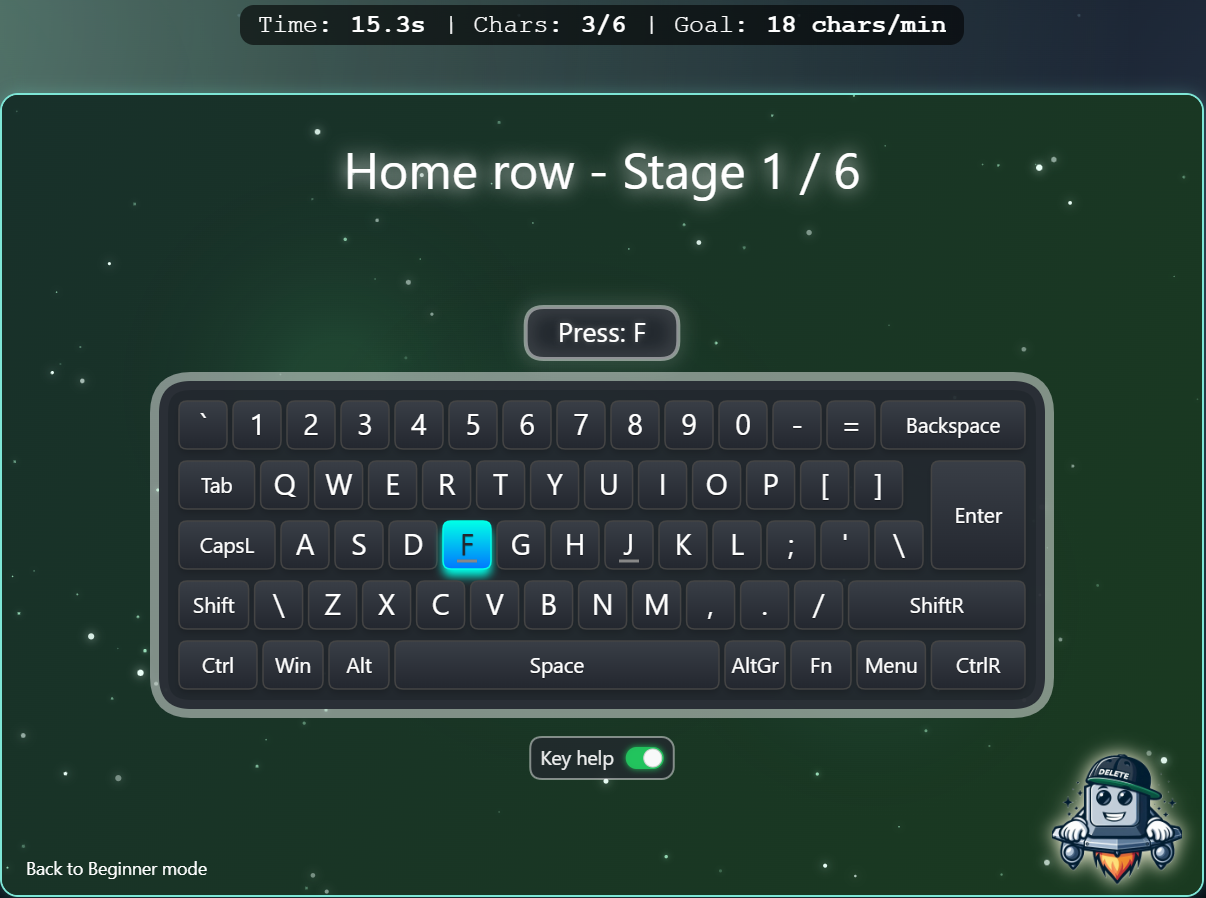
The calm introduction for finger assignment, orientation and clean attacks.
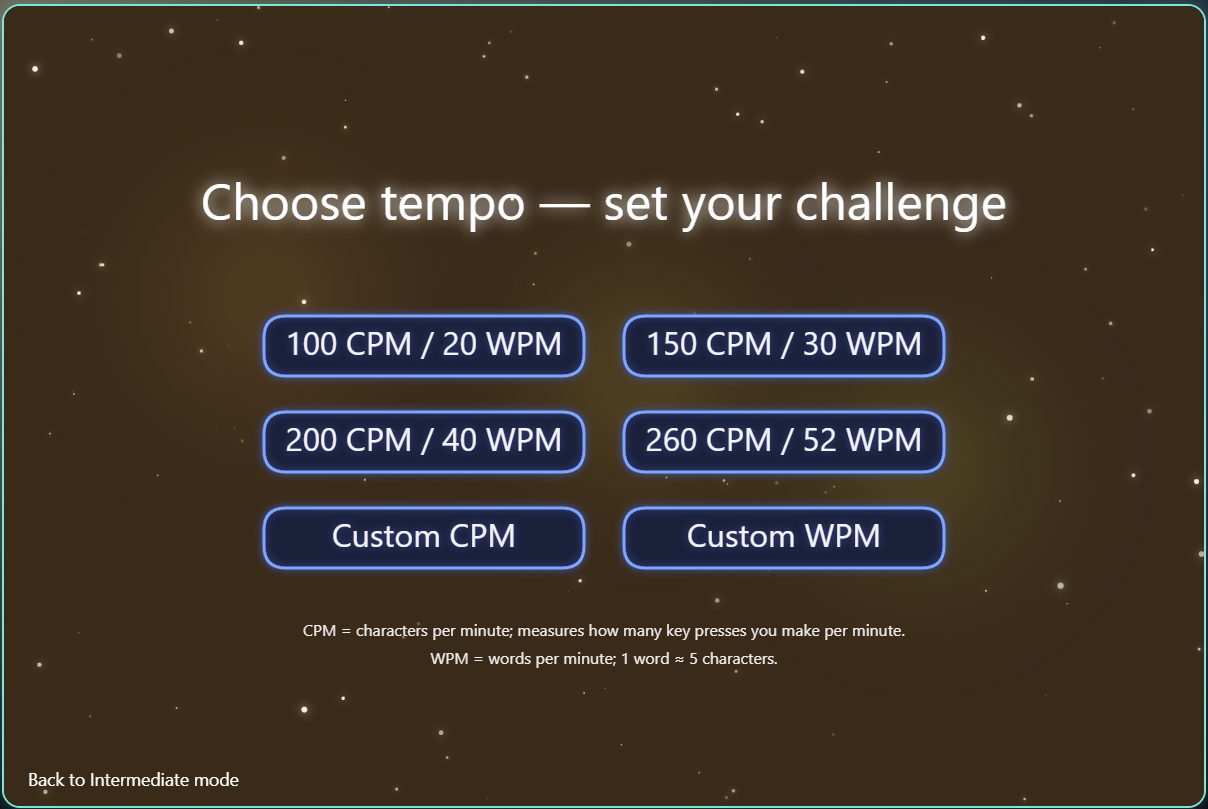
In the intermediate area you can determine how calm or demanding to suit your level the writing pace is set.
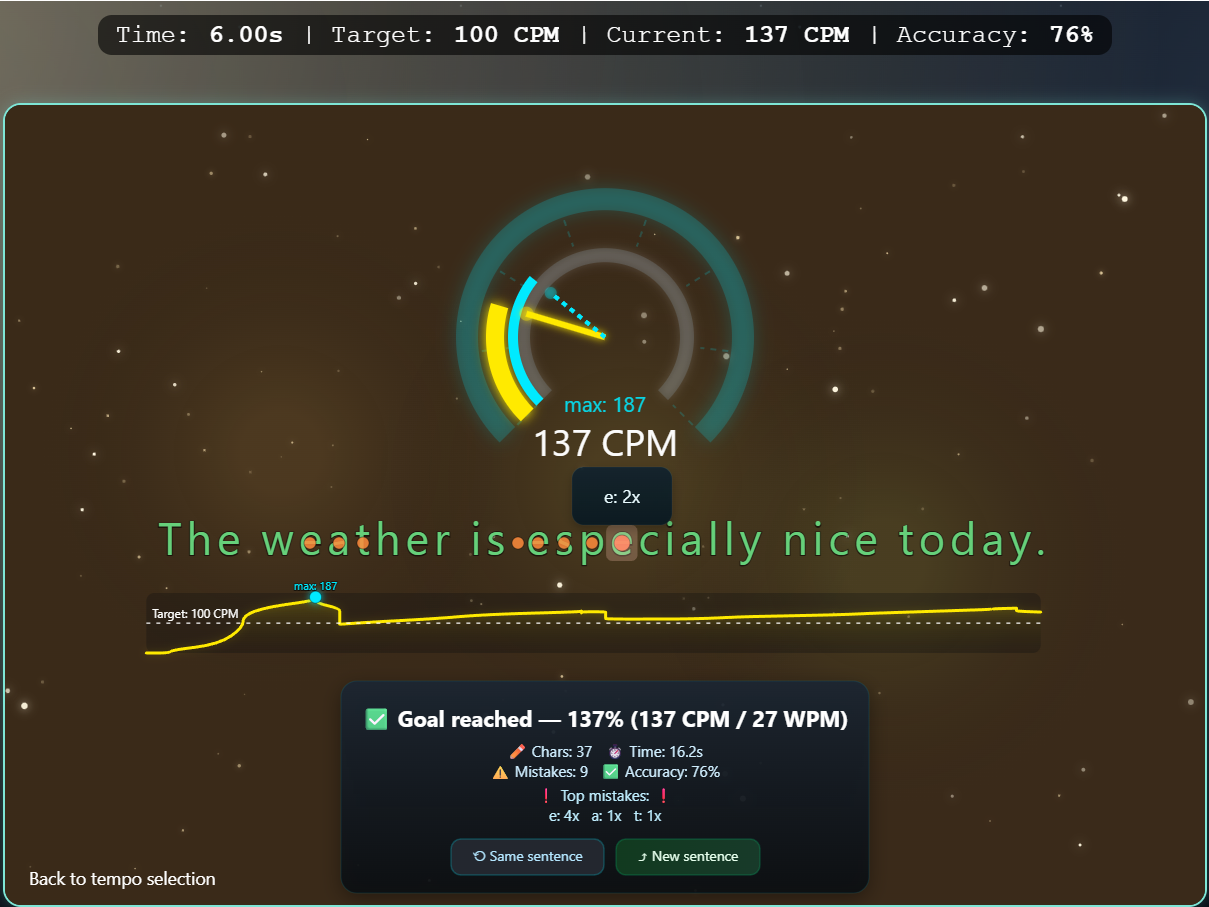
Here you will learn to write words not only correctly, but also in a flowing manner.
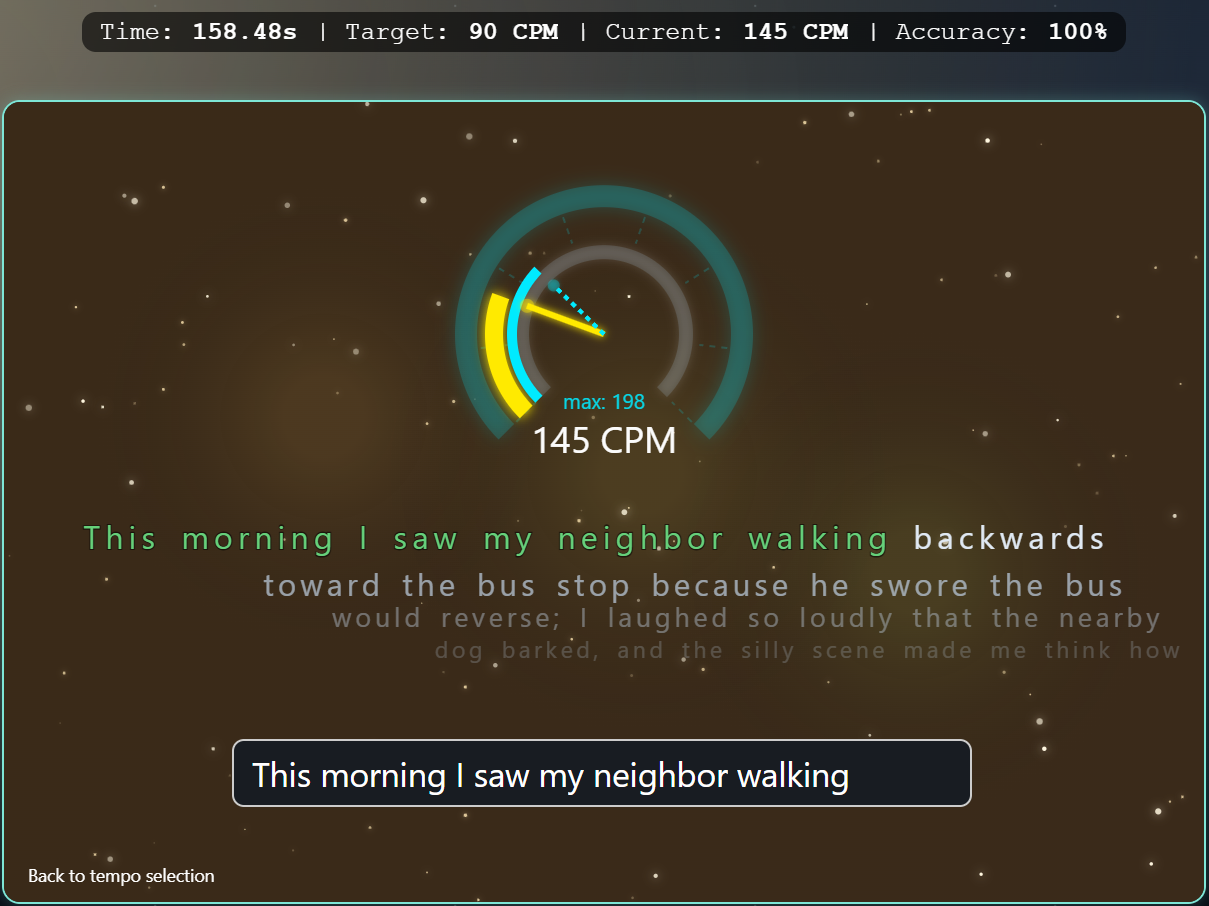
Longer sections show you how stable your technique is in everyday life is.
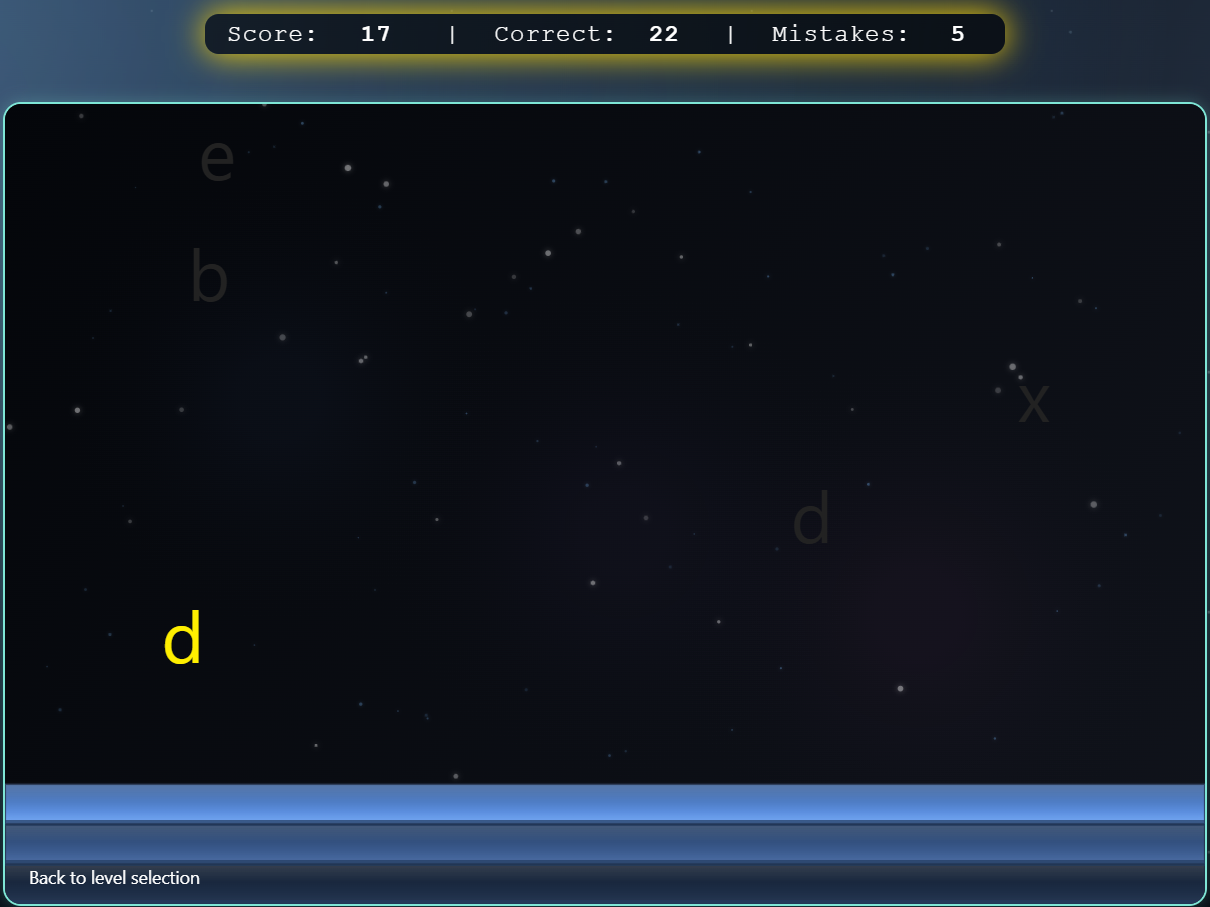
In Spacefall, letters, words or entire sentences fall from above, depending on the mode. You type them away in time and improve reaction, accuracy and writing fluency under time pressure.
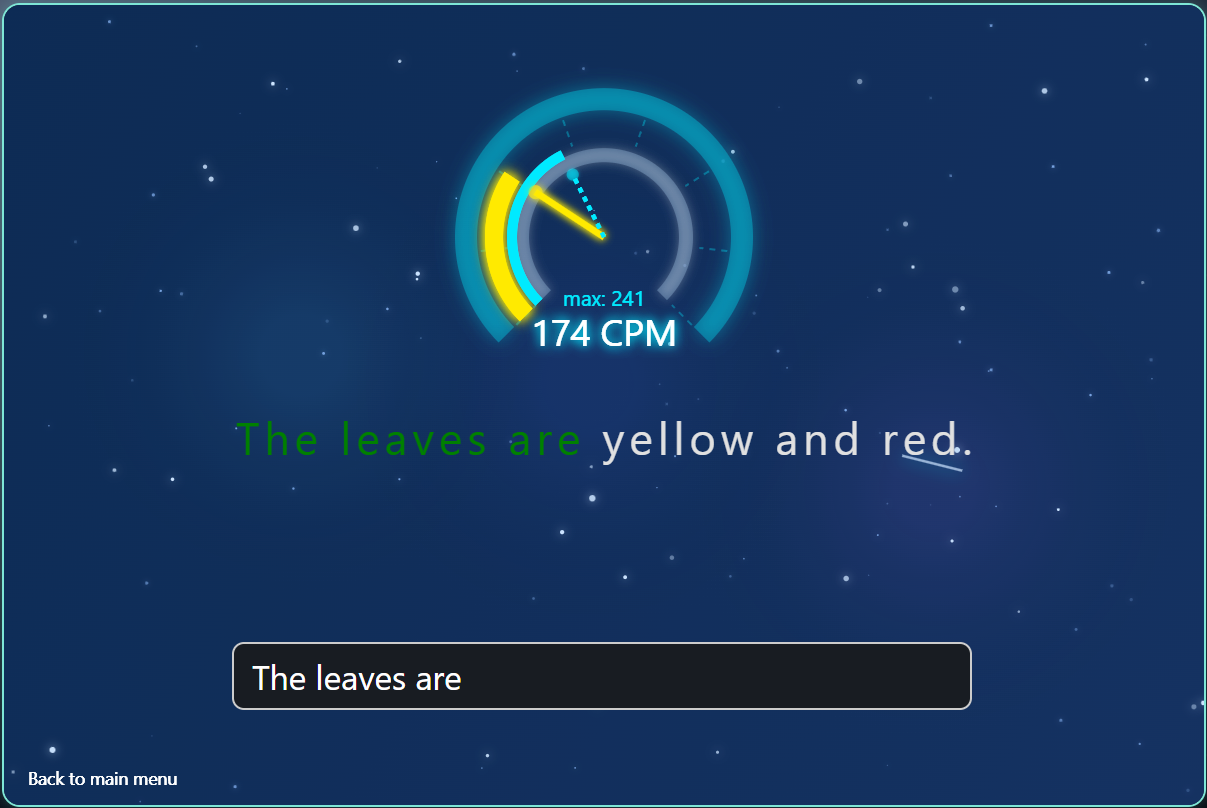
You measure your strokes per minute and see immediately how your performance is developing.
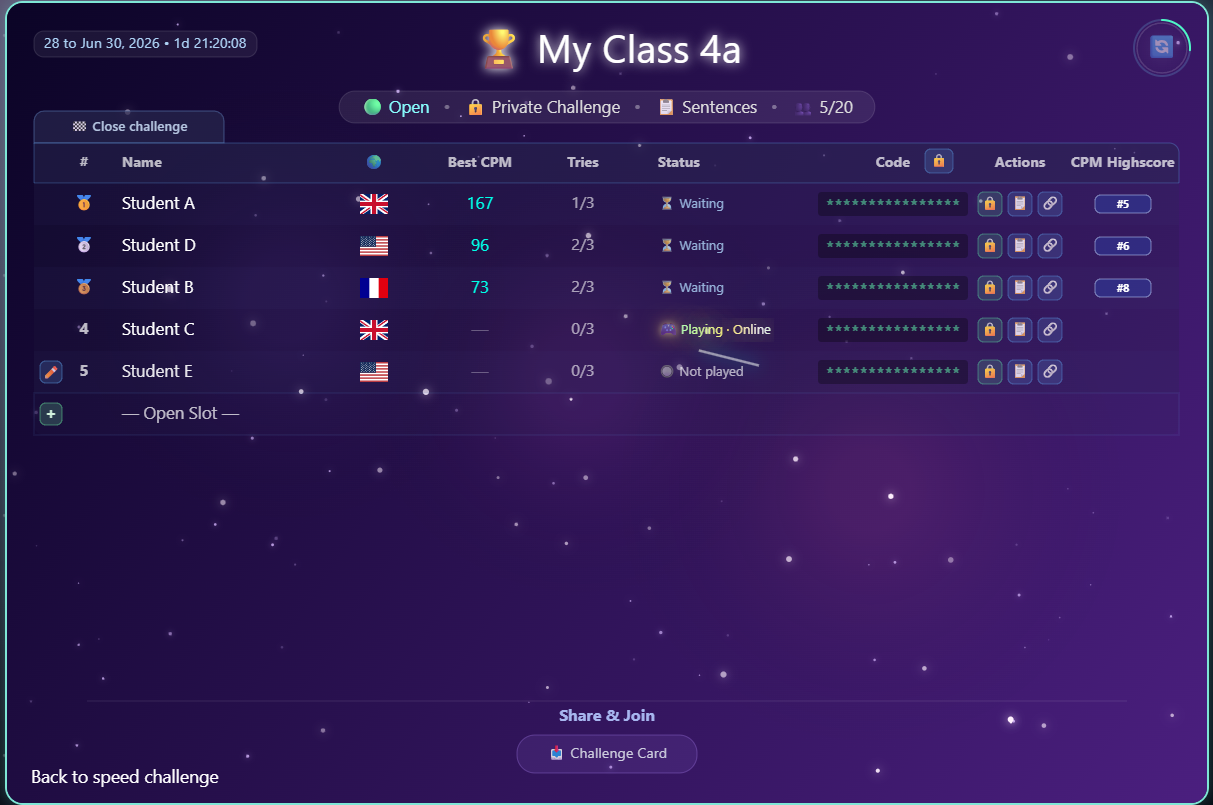
Open or private group challenges are ideal for friends, classes or small groups, who want to train and compare together.
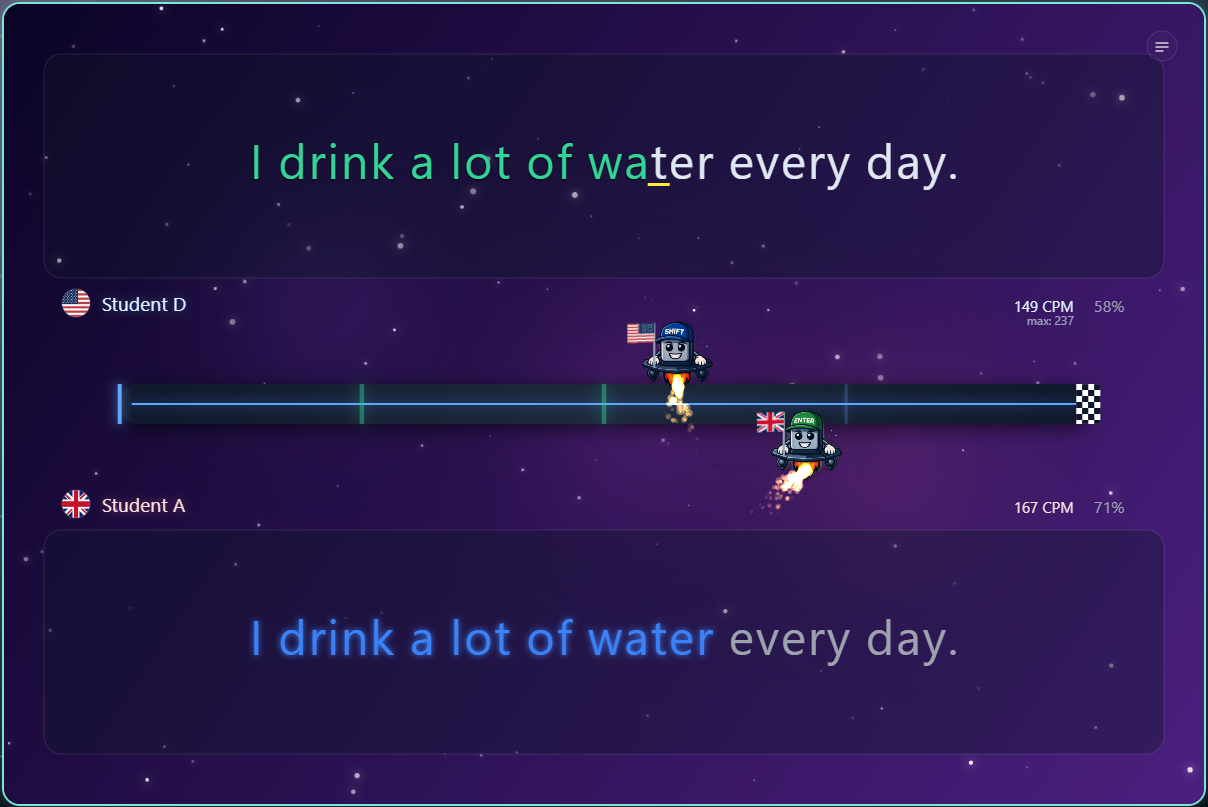
The currently running sentence challenge is the direct participation area after training.
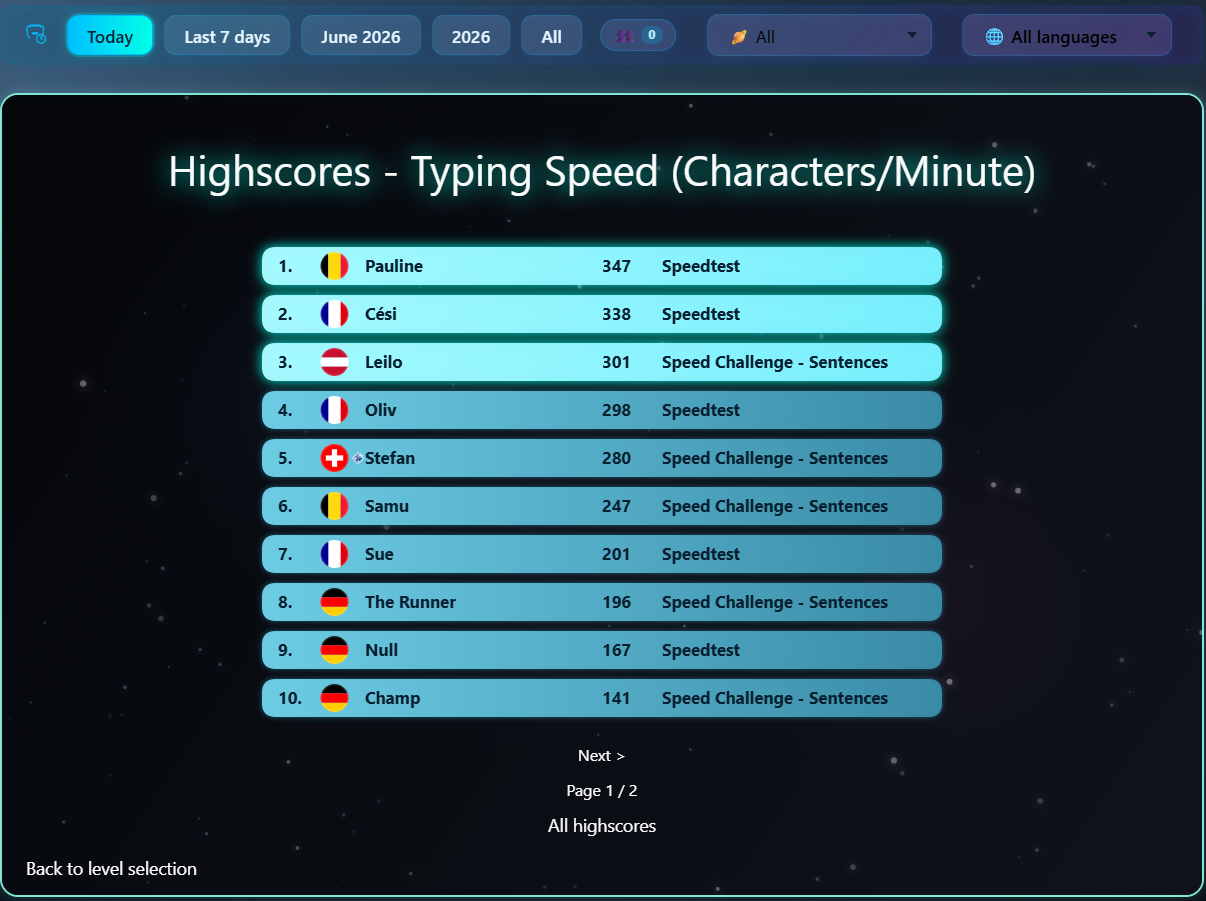
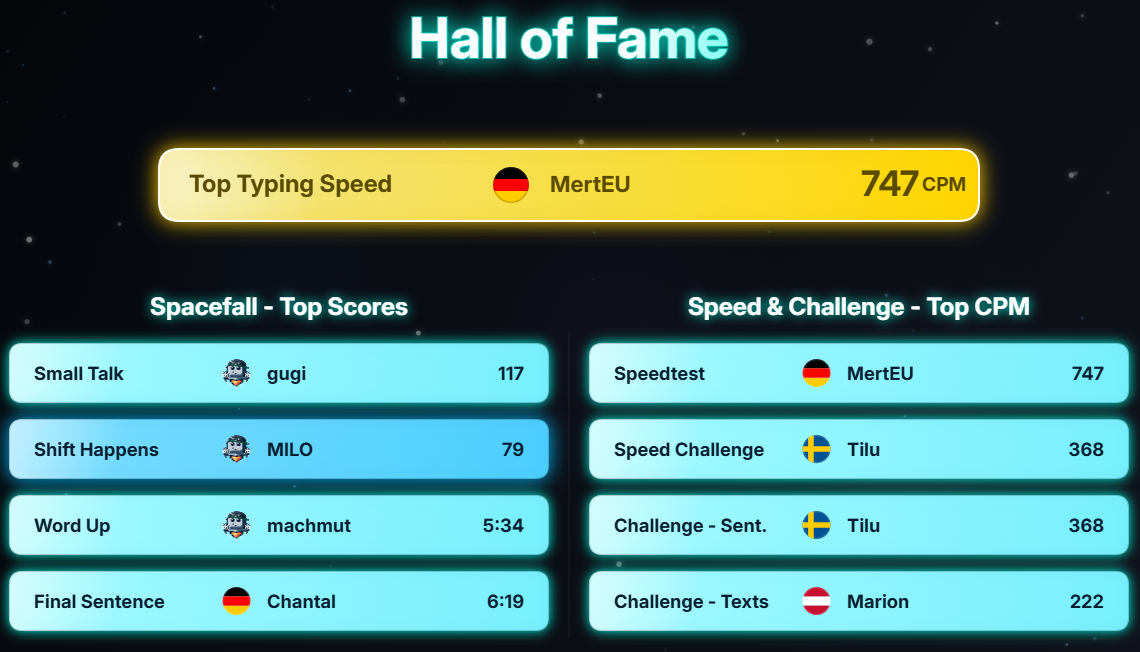
The CPM high scores show you how quickly others currently write and give you a clear goal for the next development step.
If you don't want to search for a long time, use this order. It fits the exercise plan in the program and keeps the introduction clear.
Start with the basic exercises and pay attention to safe finger paths instead of high speed.
Expand your training to include top row, bottom row, numbers and mixed exercises.
In intermediate mode, you build up a real writing flow with words, sentences and texts.
Use Speedtest and Spacefall to specifically train your reaction, concentration and speed. Continue to pay attention to accuracy first.
Current leaderboards and open challenges give you clear goals and keep learning exciting.
Create a free account to save eligible results, keep an eye on your training progress and organize groups. You can also create private friends duels and group challenges; Support+ expands this with more active rounds, public challenges and your own challenge texts. The exact limits depend on your account plan.
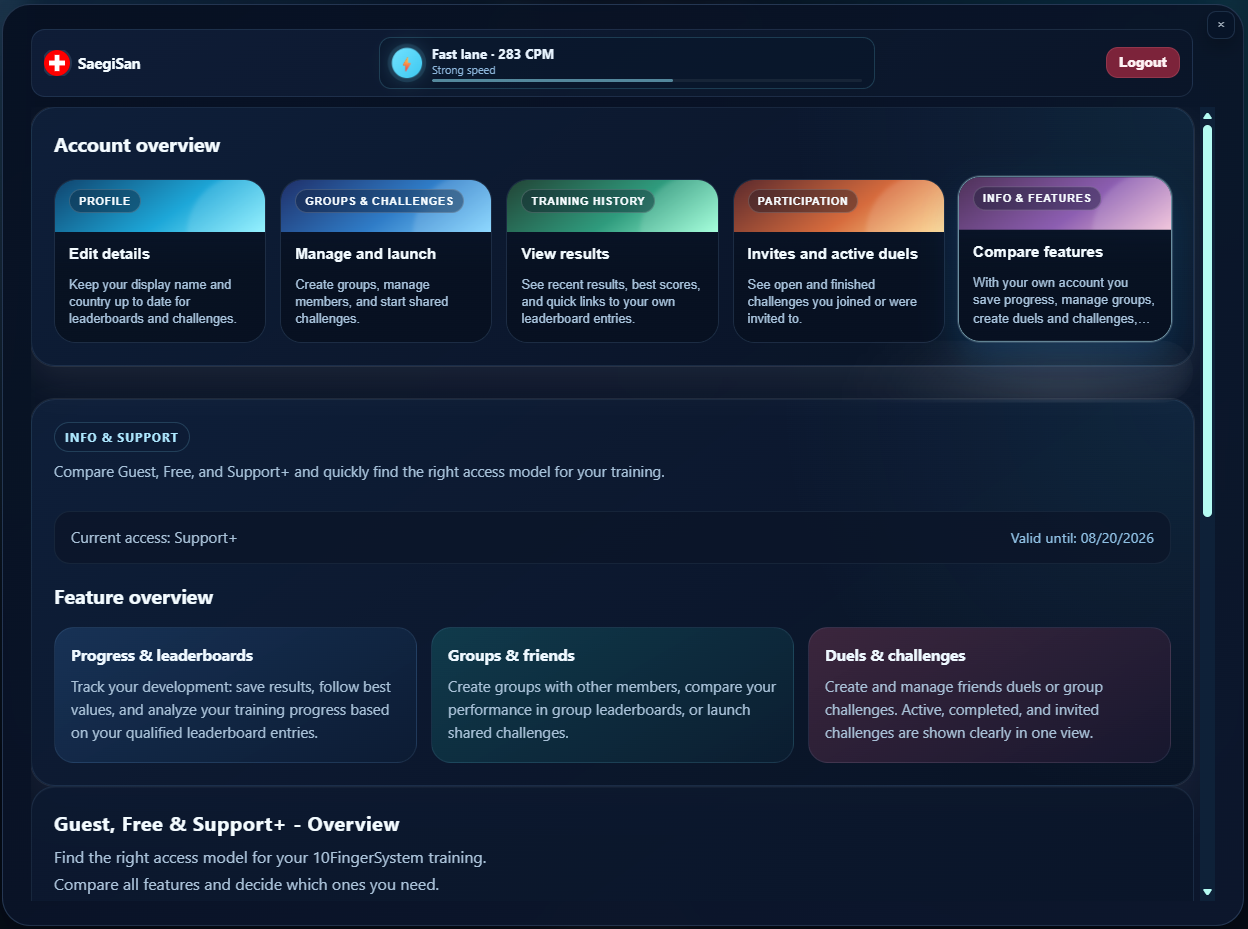
Profile, plan, groups, training history and challenge activity are collected in one clear dashboard.
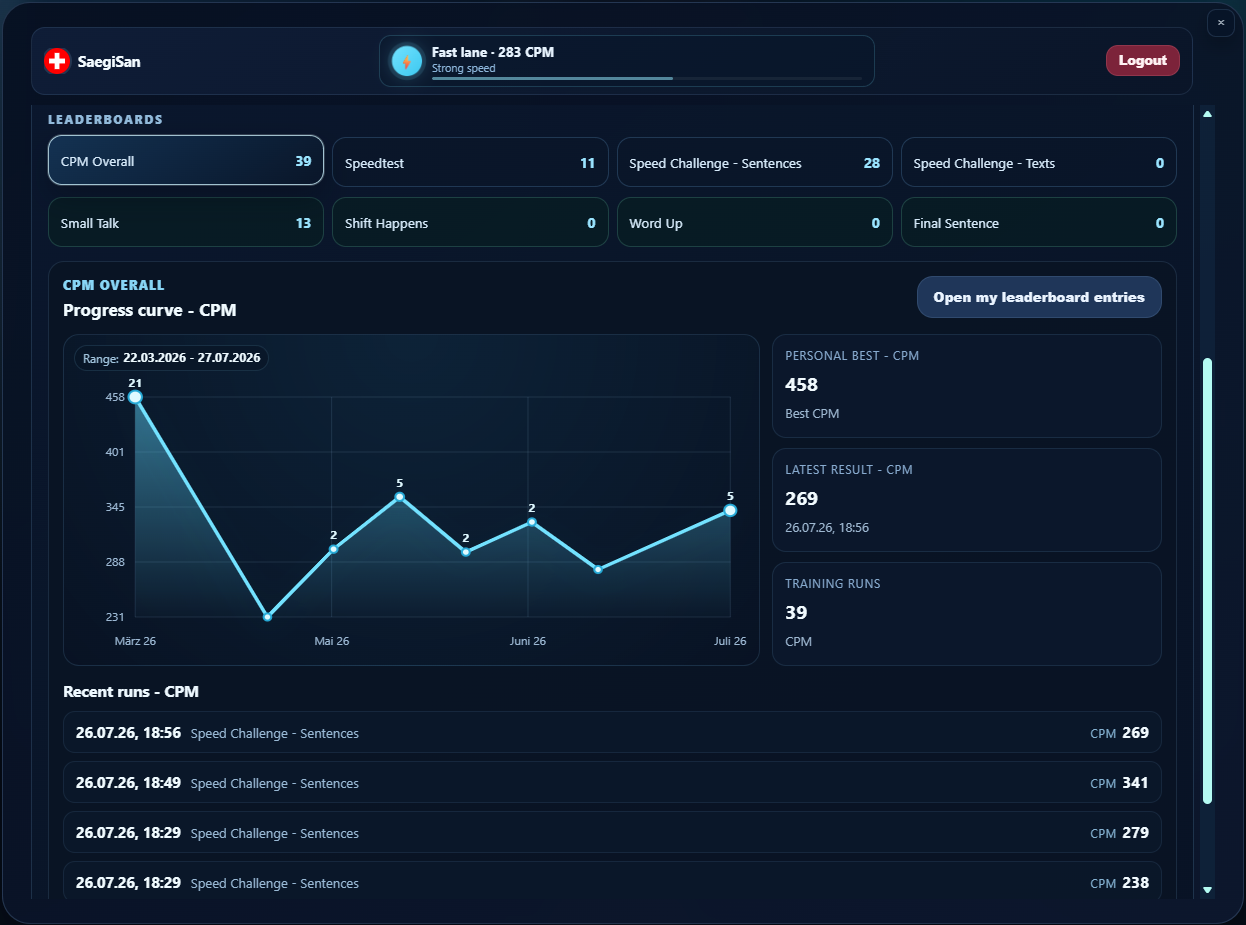
Review recent results, personal bests and saved leaderboard entries to see how your typing develops.
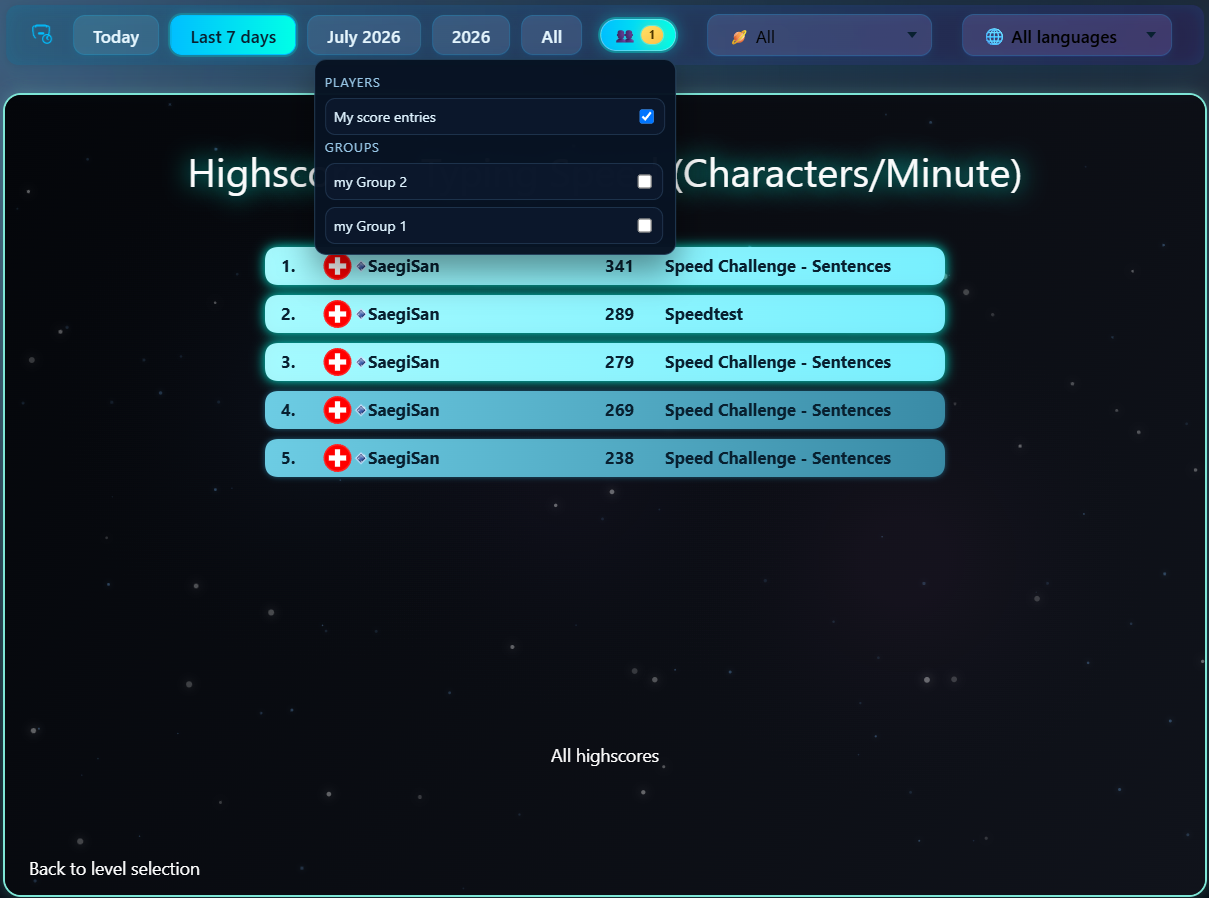
Compare results with your group and make progress together instead of training on your own.
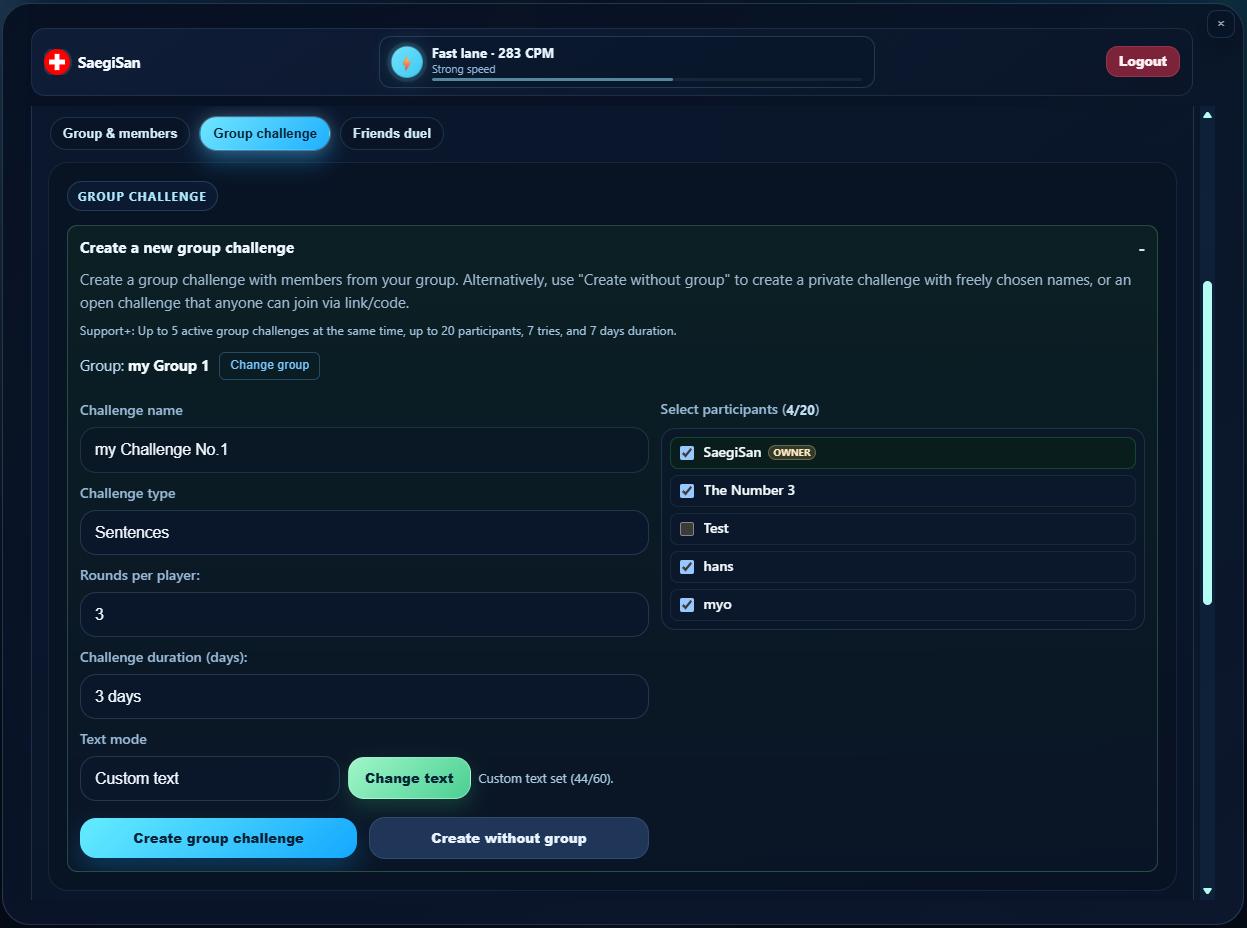
Set up private group challenges or friends duels with their own rules, attempts and time frame. With Support+, you can also run public challenges and use your own texts.
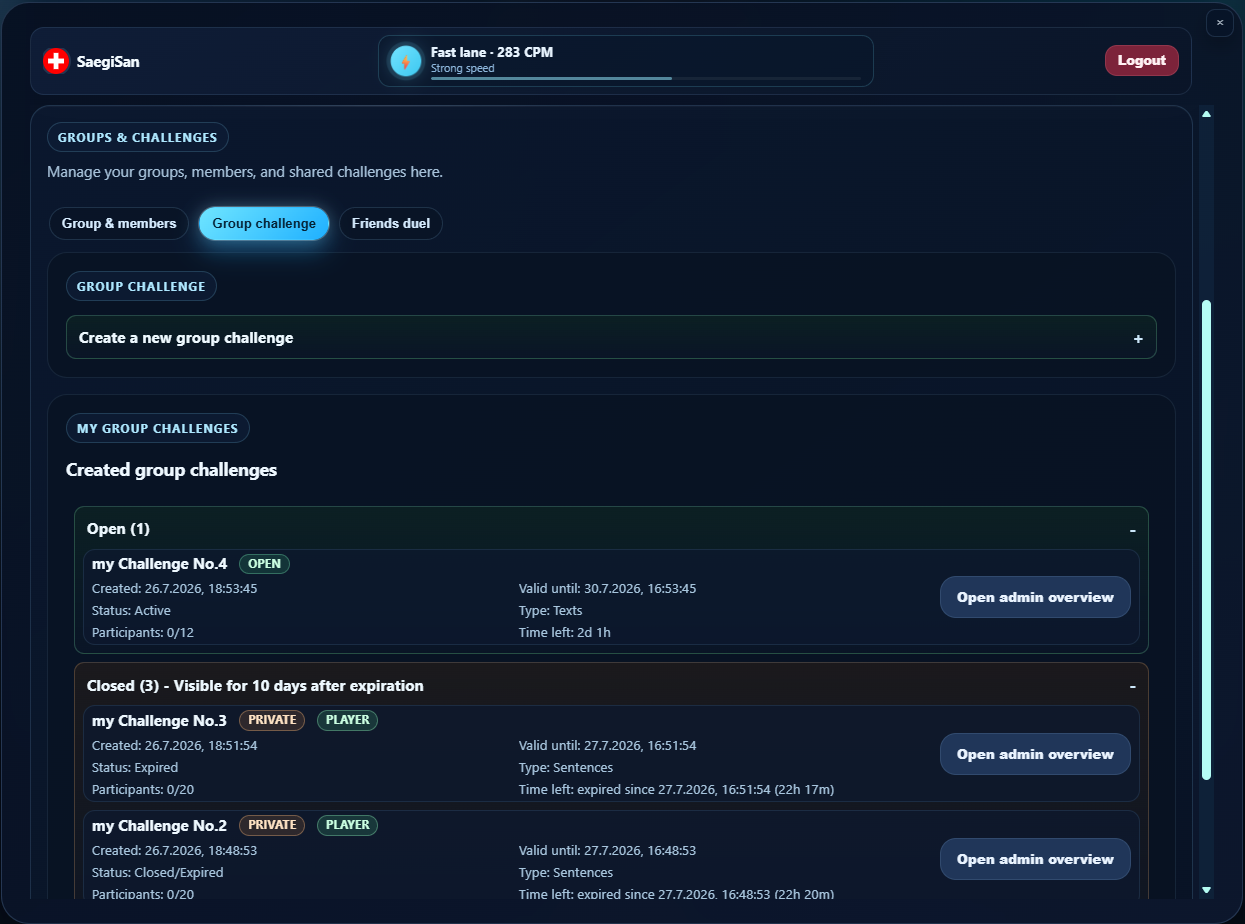
Keep group challenges and friends duels organized, whether they are active, completed or public. Your account plan determines how many rounds can run at once.
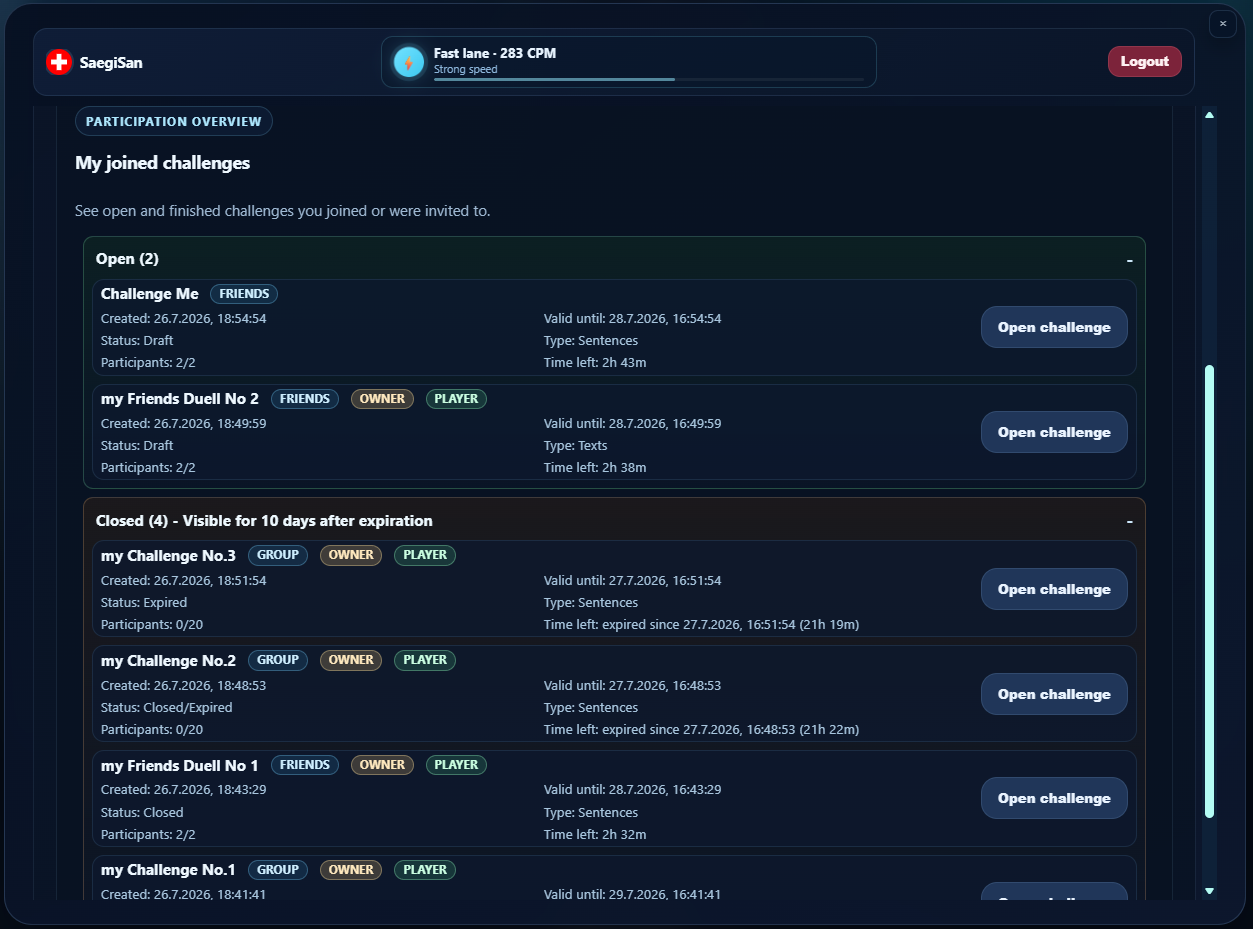
Find invitations and the open or completed challenges you have joined in one place.
The rankings show which achievements were most recently achieved in the program. This helps you to better classify your own values in CPM and accuracy and to set new goals.
The challenge is active and ideal for testing your training directly in comparison. A level playing field for everyone and results that are visible immediately.
Join us and set a strong result this week.
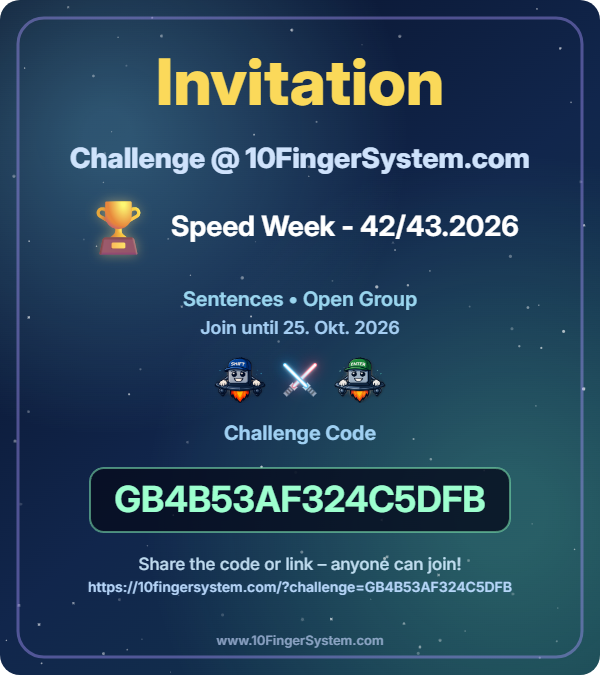
Weekly round ends in
Here you will find short news about functions and areas from the program itself.
Since February 14, 2026, the Speed Challenge with World Wide Web, Friend Wide Net, Group Wide Arena and Join Challenge has been available as a complete mode area.
Since January 15, 2026, you can create group challenges openly or privately. Open groups are easily accessible, private groups work via code or link only for invited people.
Since December 7th, 2025, you can create targeted 1:1 duels in Friend Wide Net, share them via code or link and compare the best round with up to 3 attempts.
Start with beginner mode and then work your way to words, sentences and texts. If you want to compare later or practice under pressure, use speed tests, rankings and challenges.